GDDraw - Godot Plugin
A downloadable tool
Create and Paint Without Leaving Godot
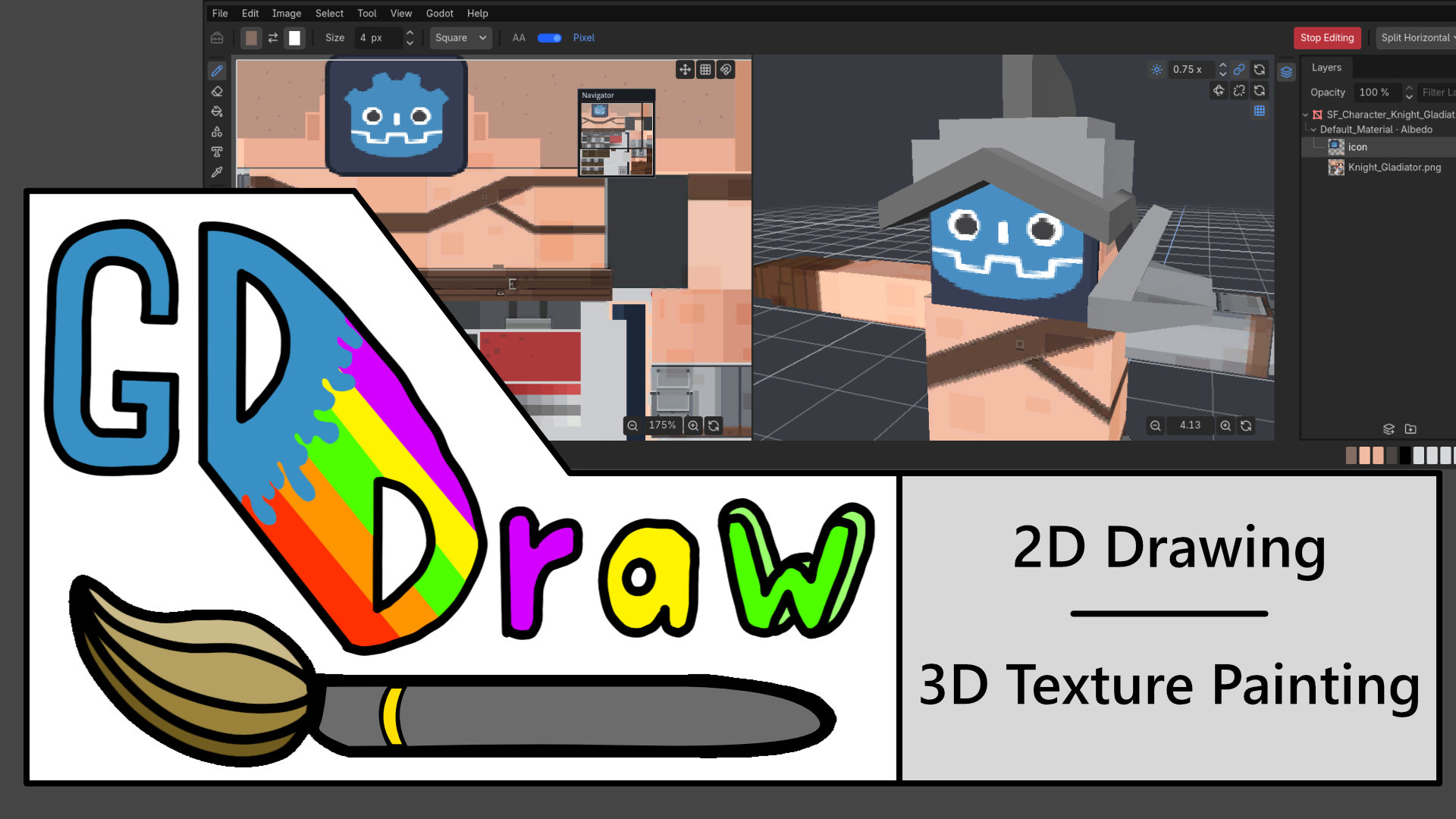
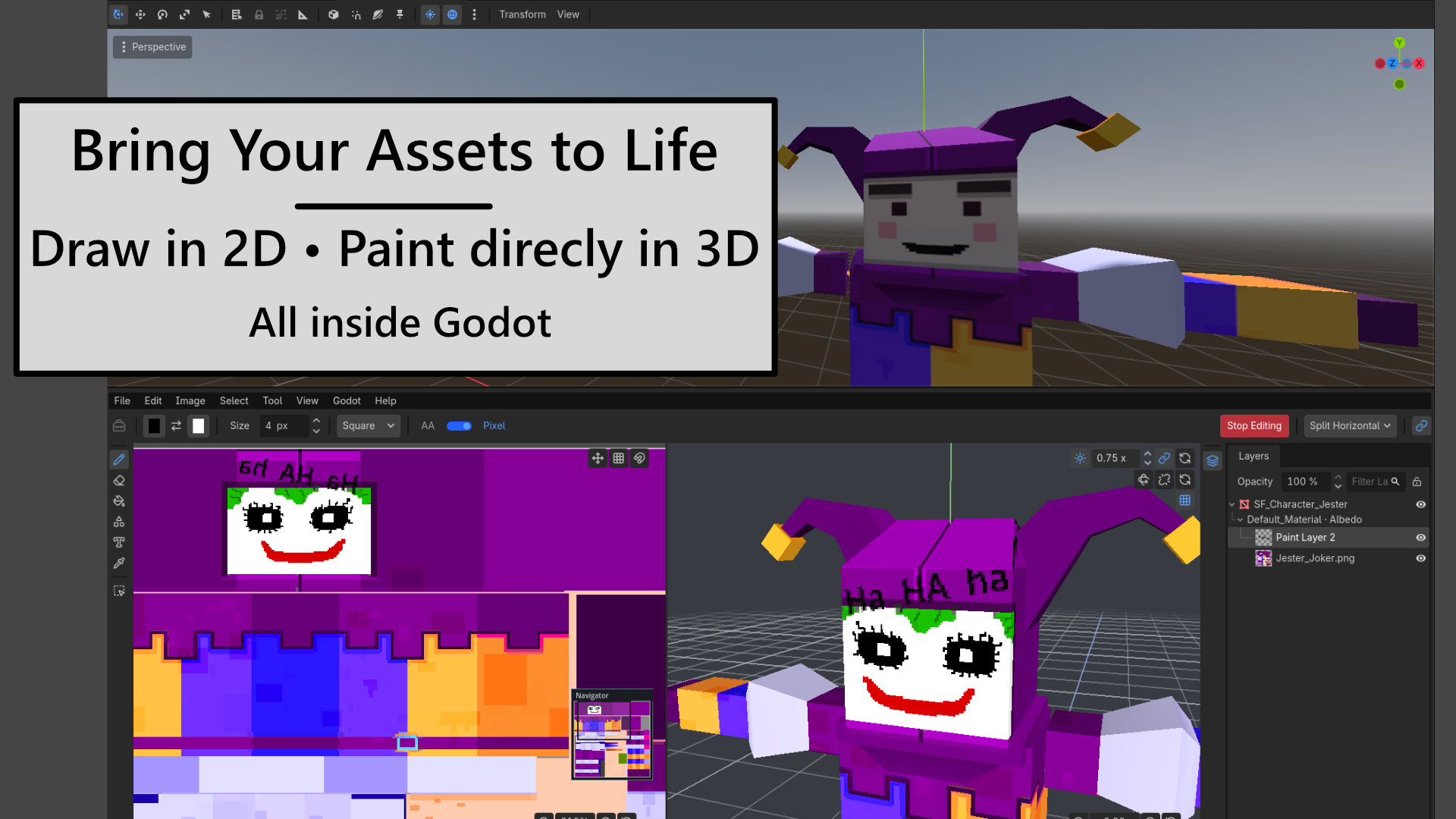
GDDraw is a Godot editor plugin for creating 2D artwork and painting albedo textures directly on supported 3D models. Sketch sprites, add text, adjust textures, and bring assets into your scenes without switching applications.
Version 0.3.0 introduces layers and full 3D hierarchy imports, making it easier to organize your artwork and paint multiple objects in one workspace.
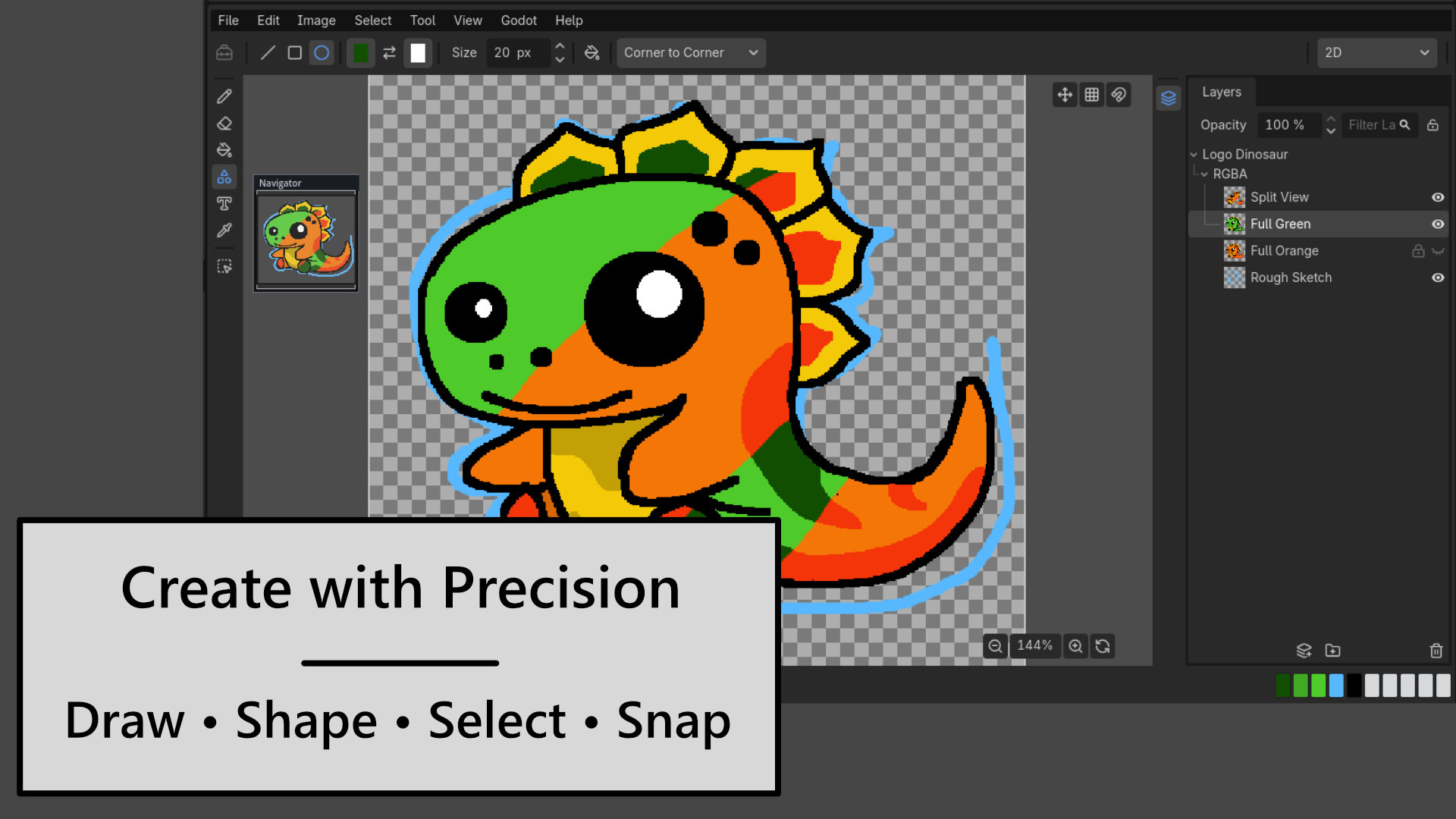
2D Drawing
- Brush, eraser, eyedropper, line, rectangle, and ellipse tools.
- Solid, Dither, Pattern, and Custom Image fills.
- Raster text with font controls, draft rotation, and optional background fill.
- Rectangular and lasso selections with copy, cut, paste, and transforms.
- Crop, scale, rotate, and mirror artwork.
- Paint layers and nested groups with opacity, visibility, locking, and reordering.
- Grids, snapping, tile previews, and a Navigator overview.
- Godot-style color picker and undo/redo.
- Editable
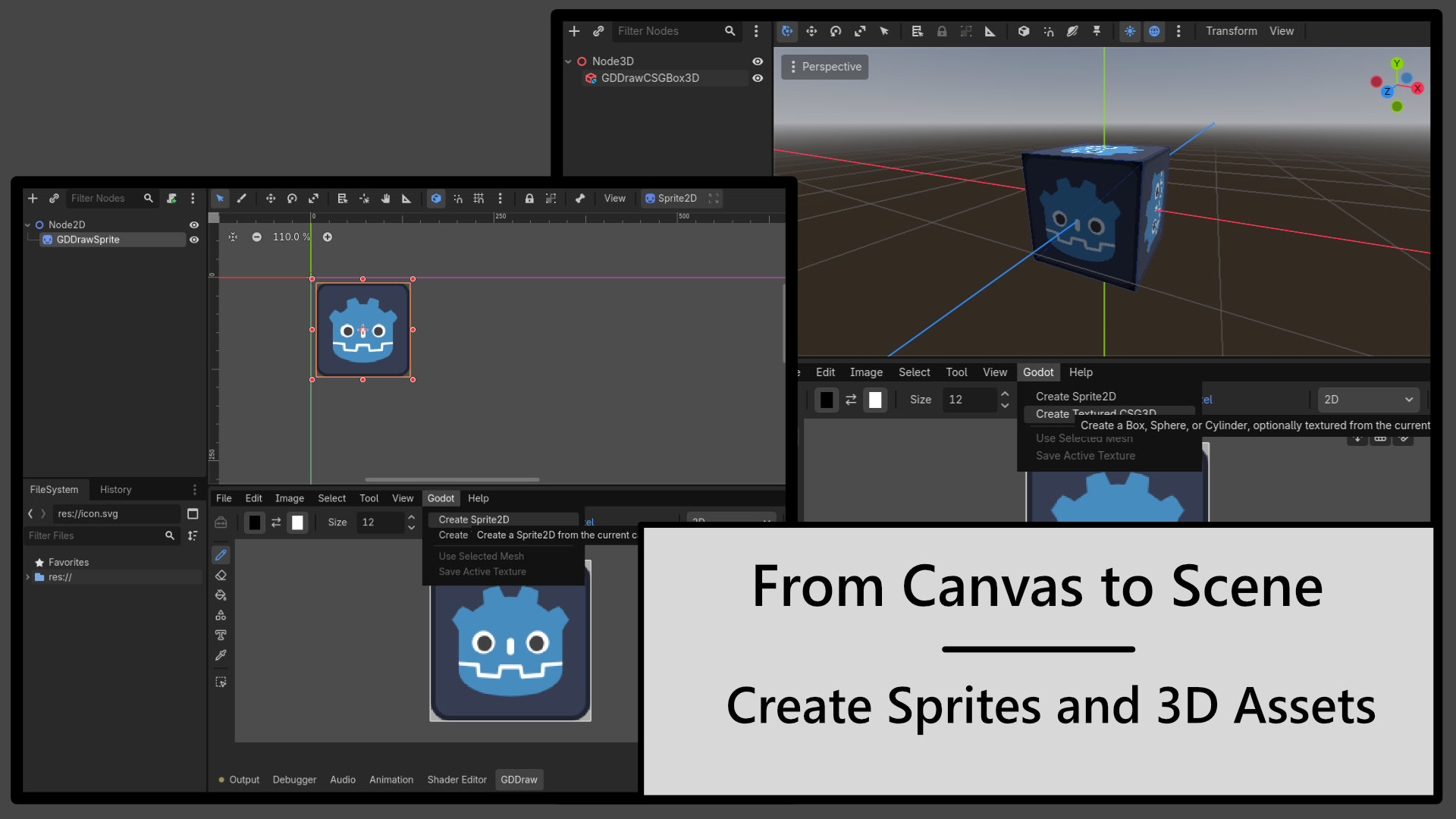
.gddrawprojects, PNG output, and directSprite2Dcreation.
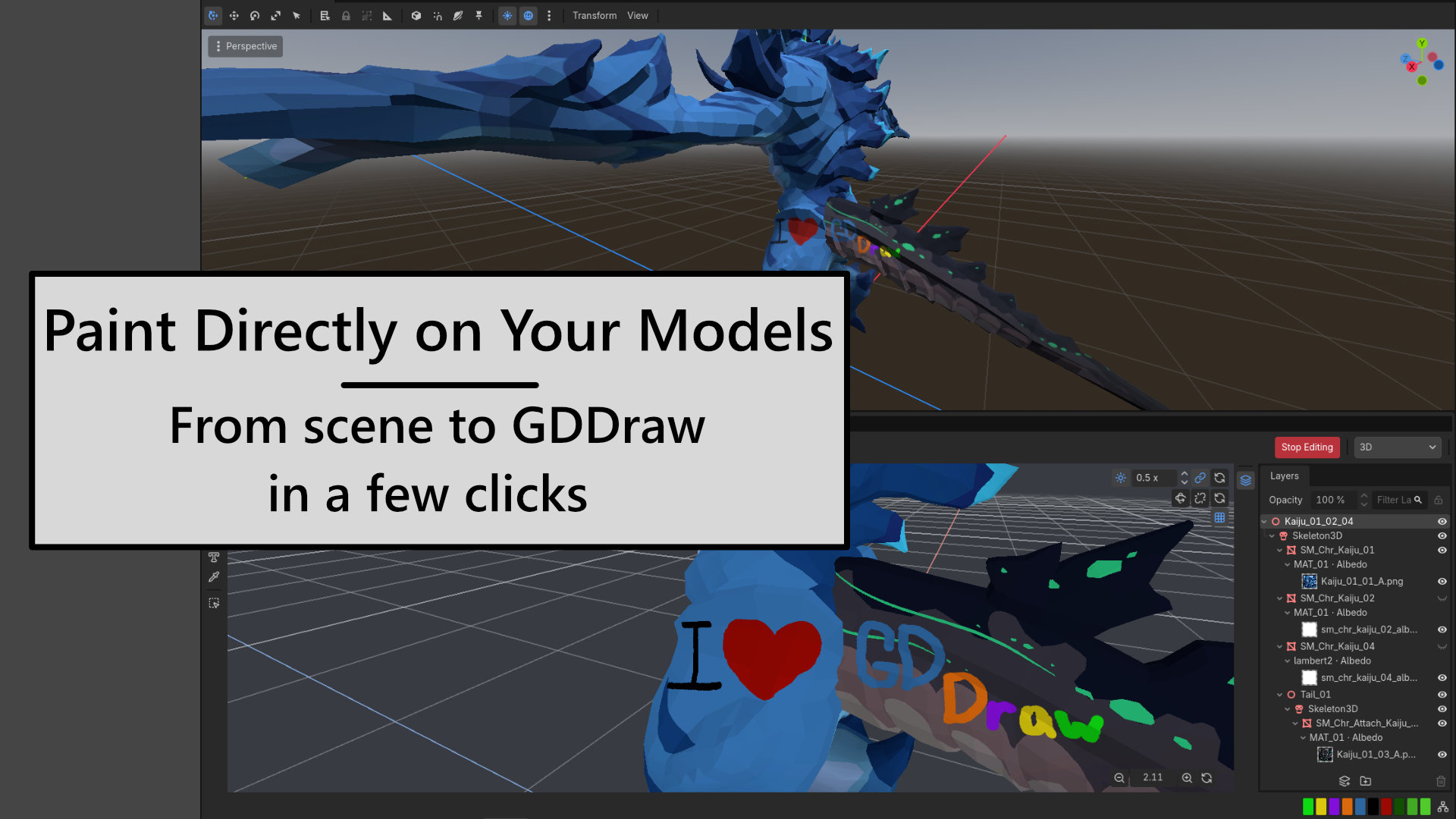
3D Texture Painting
- Paint albedo textures directly on supported meshes and CSG surfaces.
- Import individual surfaces, multiple objects, or entire 3D hierarchies.
- Organize texture artwork with layers and groups.
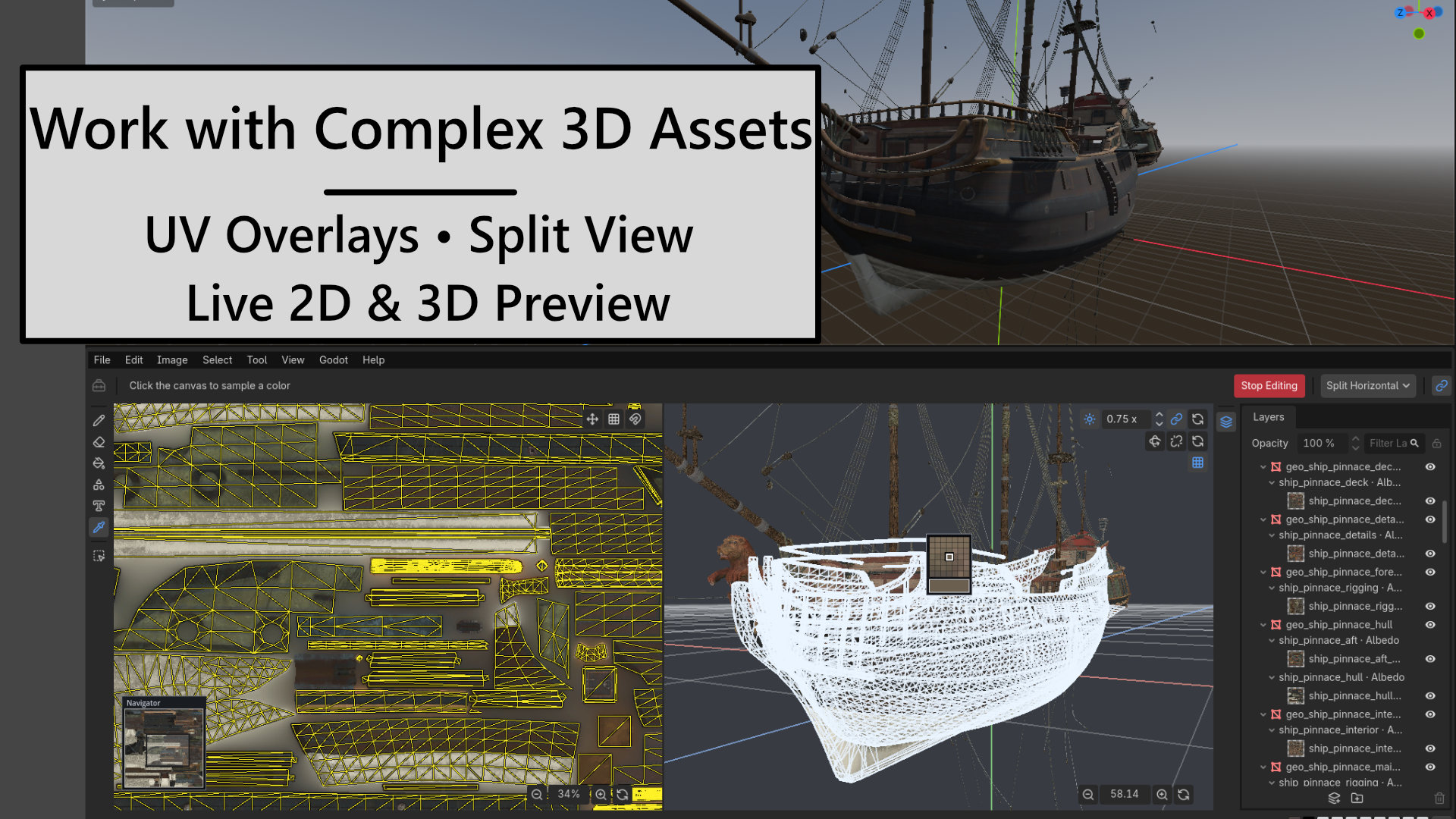
- Edit shared textures with live updates across their imported objects.
- Use brush, eraser, and shape tools on compatible surfaces.
- Work in 2D, 3D, horizontal split, or vertical split layouts.
- Preview UV overlays with linked 2D and 3D feedback.
- Use Target Lock to keep painting on the active texture.
- Follow source-scene transforms and visibility with optional Scene Sync.
- Adjust preview lighting and navigate with Godot-style camera controls.
- Create textured CSG boxes, spheres, and cylinders.
Built Into the Editor
Access offline documentation, shortcuts, and release highlights through Help. Built-in updates require your confirmation and back up the installed plugin before replacement.
Install Through Godot
- Open your project in Godot and select the Asset Store tab.
- Search for GDDraw and open its listing.
- Click Download, then Install, and confirm the installation into your project.
- Enable GDDraw under Project → Project Settings → Plugins.
- Open the GDDraw bottom panel to start creating.
You can also visit GDDraw on the Godot Asset Store to browse screenshots, read reviews, and download the plugin for manual installation.
Manual Installation
- Download
GDDraw-v0.3.0.zip. - Close Godot before replacing an existing installation.
- Extract the package so the plugin is located at
res://addons/GDDraw/. - Replace the complete existing
addons/GDDrawdirectory to avoid retaining obsolete files. - Open the project, enable GDDraw under Project → Project Settings → Plugins, and open its bottom panel.
Project-created content stored outside the plugin directory is unaffected.
Requirements and Feedback
Supports Godot 4.4–4.7 on desktop editor builds. 3D painting requires supported StandardMaterial3D albedo textures and usable triangle UVs. Shader materials, additional texture channels, and multi-material CSG results are not currently supported.
GDDraw is under active development on the road to 1.0. Found a bug or have a feature request? Report it on GitHub. For bugs, include your Godot version, steps to reproduce, and screenshots or error messages where helpful.
Generative AI tools assisted with implementation, refactoring, documentation, and code review. All work was directed, reviewed, and tested by the maintainer.
Synty Studios is not affiliated with or an endorser of GDDraw. Synty assets appear in promotional media with permission and are not included with the plugin.
The promotional ship is a CC0 model from Poly Haven and is not included with the plugin.
Download
Click download now to get access to the following files:
Leave a comment
Log in with itch.io to leave a comment.